Beta · for Rhino
Design with AI agents. Approve every change.
LIMEN brings ChatGPT, Claude, Codex and other AI agents into your live Rhino model. They talk with you, propose real geometry and sketch ideas in 3D, and nothing changes until you preview it and say yes, at your desk or on your phone.
How it works
Your studio, with agents in it.
Bring your AIs
Add the AIs you already use. They join a studio chat with you, read the open Rhino model and work together. You sign in with your own accounts, and LIMEN never holds your keys.
They propose, you decide
Agents turn ideas into real walls, slabs, openings and components with layered assemblies. Every change arrives as a preview with what it adds, changes and removes. Approve it, reject it, or roll it back later.
Keep designing away from Rhino
On the phone, agents sketch in 3D over a snapshot of your model. Turn it, ask for changes, and load the good ones into Rhino when you're back. Every change still waits for your approval.
Built for architects
Made in a studio, for studio work.
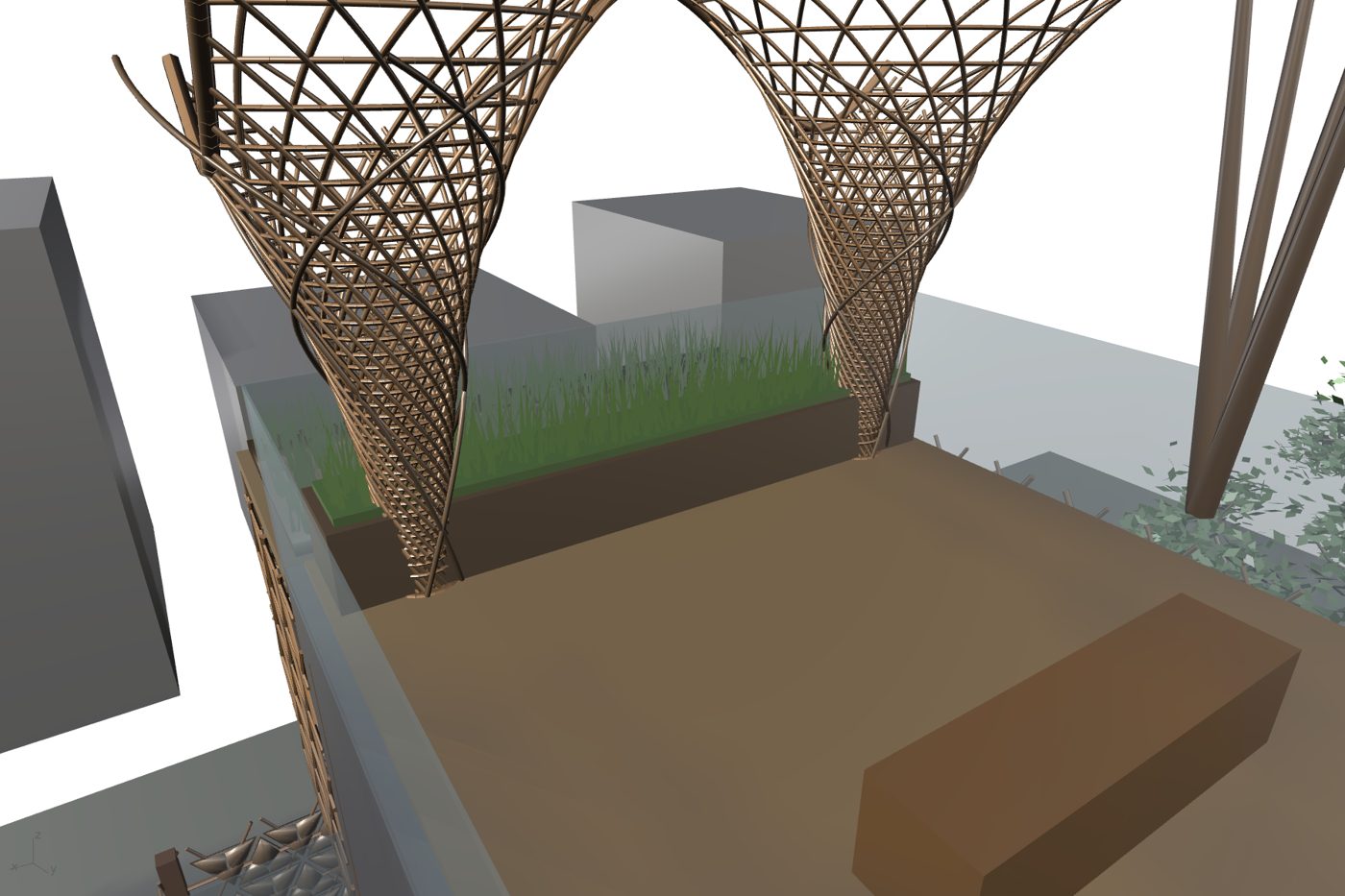
LIMEN started as an architecture student's own toolkit for a mixed-use housing project, and grew into a way for agents to work inside the model safely.
- Live in Rhino 8. Agents read the model you have open and build with real assemblies, not pictures of them.
- Nothing happens behind your back. Every change is a preview first. You approve it with a reason, and you can roll it back.
- Your desk and your phone. Chat, approvals and 3D sketches on the iPhone app or any phone browser.
- Your accounts, your machine. Your AIs sign in with your own accounts. The model stays on your computer.
Beta
Try LIMEN early.
The beta is for Rhino 8 users on Windows, students, studios and practices alike. We're setting people up a few at a time and helping with installation, so tell us a little about how you work.
LIMEN is beta software. It helps you design. It doesn't check building codes or replace professional judgement.